
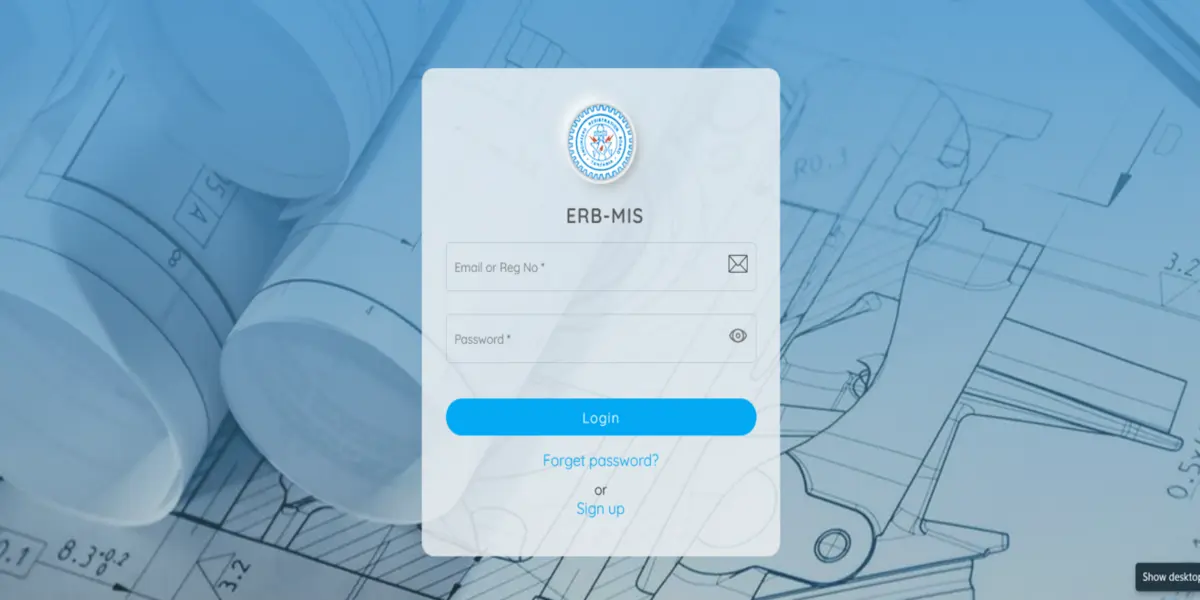
Practising engineering in Tanzania without an active, valid licence is a direct violation of Section 12A of the ERB Act (Cap 63).
For engineering professionals across East Africa, maintaining active registration with the Engineers Registration Board (ERB) isn’t just a legal duty—it is the foundation of your professional credibility, your right to sign off on technical drawings, and your gateway to bidding on public and private tenders.
With the rollout of the updated ERB Management Information System (MIS) portal (registration.erb.go.tz), the paper-based filing days are over.
Today, engineers can complete subscription payments, upload Continuing Professional Development (CPD) logs, and submit practising license renewal requests online.
However, administrative hiccups, missing documents, unverified CPD logs, and unpaid subscription arrears can cause unexpected delays during peak renewal windows.
This guide breaks down the ERB MIS portal workflow to help you secure your digital practising license without administrative delays.
Recommended Articles
- UDSM Rolls Out 29 New Bachelor’s Degrees for 2026/2027: Here’s What You Can Apply For
- Admissions to Various Universities for 2026/2027 In Tanzania Are Now Open
- The Most Asked Civil Engineering Interview Questions In 2026
- Annual Engineers’ Day (AED 2026): What We Need To Know?
- Tekla Structural Designer vs. ETABS: The US Engineer’s Guide to Complex Seismic & Lateral Design
ERB Registration Categories & License Matrix
Before initiating your online renewal request, ensure you understand the specific license requirements for your registration tier.
The table below outlines how practising requirements, subscription frameworks, and renewal criteria compare across ERB engineer categories.
| Engineer Category | Primary Target Audience | Minimum Annual CPD / PDU Requirement | Renewal Cycle | Key Required Portal Attachments |
| Graduate Engineer (GE) | Engineering graduates gaining mentored work experience under SEAP. | 30 PDUs / year (Recommended for progression) | Annual Subscription | Updated employer details, logbook entries, payment reference. |
| Professional Engineer (PEng) | Licensed engineers authorized to practice independently and sign off on designs. | 30 PDUs / year (90 PDUs over a 3-year cycle) | Annual Practising License | Sworn Oath proof, updated passport photo, valid contact details, fee control number. |
| Consulting Engineer (CE) | Senior practitioners, firm partners, and principal technical lead engineers. | 30 PDUs / year (Heavy emphasis on technical leadership) | Annual Practising License | Valid PEng/CE status, company affiliation letter, BRELA status (if firm lead). |
| Temporary Professional Engineer (TPE) | Non-Tanzanian citizen engineers practicing on specific local contracts. | Verified home country CPD / ERB Project logs | Contract / Permit Duration | Valid work permit, resident permit, active employment contract, passport copy. |
What to Clear Before Logging In
The primary reason applications stall on the ERB MIS portal is missing prerequisites. Before clicking the renewal button, ensure you have cleared these core administrative milestones:
Professional Development Units (PDUs)
The ERB enforces a strict Continuing Professional Development (CPD) policy. To maintain active practising status, Professional and Consulting Engineers must accumulate a minimum of 30 PDUs annually (or 90 PDUs over a 3-year rolling evaluation cycle).
PDUs are earned by:
- Attending ERB-accredited short courses, training workshops, and seminars.
- Attending the Annual Engineers Day (AED) conference.
- Authoring technical papers, teaching, or presenting at engineering symposiums.
- Participating in recognised site inspections, technical audits, or peer reviews.
Portal Tip: Do not wait until December 31st to upload your seminar certificates. Log your CPD activities on the portal as soon as you complete them so the ERB Secretariat can approve your units ahead of the licence renewal period.
The Engineer’s Oath
If you recently upgraded from Graduate Engineer (GE) to Professional Engineer (PEng), you cannot be issued an active Practising Licence until you have formally taken the Engineer’s Oath.
Check the ERB events calendar on the portal dashboard for upcoming regional swearing-in ceremonies.
Financial Standing & EDF Obligations
Your practising licence request will be blocked automatically if your profile reflects unpaid annual subscription arrears or unpaid contributions to the Engineers Development Fund (EDF).
Step-by-Step Guide to Renewing on ERB MIS
Follow these exact steps to log in, clear your bills, and generate your practising licence.
Log into the ERB MIS Portal
- Account Access & Credentials: Visit the official ERB MIS portal at registration.erb.go.tz. For First-time users / Account Recovery, if you haven’t accessed the portal recently, retrieve your credentials by sending an SMS from your registered mobile line to 15200 in the format: ERB PEXXXX (replace XXXX with your PEng registration number). You will receive an automated SMS containing your system username and temporary password.
Update Personal Information & Mobile Contact
- Profile Audit: Once logged in, click on Profile -> Contact Details. Ensure your active phone number is correctly formatted (e.g., 255XXXXXXXXX). This step is critical because all government payment Control Numbers and application updates are dispatched directly to this mobile line.
Submit & Verify CPD Activity Logs
- CPD Module: Navigate to the CPD Module on the left-hand navigation bar. Click Add CPD Activity, select the activity type (Seminar, Workshop, Publication, Conference), enter the dates, and upload scanned PDF copies of your participation certificates. Verify that your total approved PDU balance meets or exceeds the required threshold.
Generate Control Number for Subscription & License
- Bill Generation: Go to Bills & Payments -> My Bills. Locate your outstanding bill item for the current year’s Annual Subscription Fee and Practising License Fee. Click the PAY button next to the line item. The system will communicate with the Government e-Payment Gateway (GePG) and instantly display a 12-digit Control Number on screen and via SMS.
Settle Payments via Mobile Money or Bank
- Government Gateway: Settle your generated control number using any supported mobile money provider or banking application such as M-Pesa: Dial 150*00# -> Pay Bills -> Government Payments -> Enter Control Number. Yas by Mixx: Dial 150*01# -> Pay Bills -> Government Payments -> Enter Control Number; Airtel Money: Dial 150*60# -> Pay Bills -> Government Payments -> Enter Control Number; and Bank Channels: NMB, CRDB, NBC, or TCB mobile apps/bank counters using the control number.
Submit Practising License Form & Photos
- Form Submission: Return to the portal under My Applications -> Practising License Form. Upload a clean, studio-quality, passport-sized digital photo (white background). Confirm your current employer, engineering field, and physical office location, then hit Submit.
Special Requirements for Foreign & Temporary Engineers (TPE)
If you are a non-Tanzanian citizen operating under a Temporary Professional Engineer (TPE) registration, your renewal workflow includes additional statutory documentation checks required by ERB compliance officers.
According to ERB guidelines, TPE certificate and practising license renewals require submitting the following verified attachments via the portal:
- Covering Letter to the Registrar: A formal request for renewal stamped with your official ERB-issued seal/stamp.
- Employment Contract / Shareholding Certificate: Proof of active employment on a specific project or shareholding proof for company directors.
- Valid Work & Residence Permits: Certified copies of valid Class A or Class B permits issued by the Immigration Department.
- Previous TPE Certificate: Copy of your recently expired TPE license/certificate.
- Fee Structure for TPEs: Annual fees for foreign engineers are denominated in USD ($450 annual fee, $75 renewal fee, and $30 practising license fee). Late payments attract a statutory 60% annual penalty.
Common Reasons Applications Get Delayed (And How to Fix Them)
Avoid these common missteps that can stall your renewal application during peak periods:
“Control Number Expired” Error
- The Problem: GePG control numbers carry a fixed validity period (typically 7 to 14 days). If you generate a bill on the portal but delay payment, the control number expires.
- The Fix: Go to Bills & Payments -> My Bills, select the expired invoice, and click Re-Generate Control Number.
Discrepancy Between Mobile Money Name and Portal Account
- The Problem: Paying a control number using a third-party mobile money account (e.g., a colleague’s phone) is permitted by GePG, but if your profile details don’t match your payment confirmation, processing can slow down.
- The Fix: Always verify that the generated Control Number explicitly shows “Engineers Registration Board” as the payee before entering your PIN. Save the receipt SMS with the transaction reference code.
Rejected Passport Photograph
- The Problem: Uploading casual selfies, low-resolution scans, or photos with dark/patterned backgrounds will cause the reviewer to reject your digital license card.
- The Fix: Upload a studio-shot, high-resolution JPEG image in standard passport size with a plain white background.
Furthermore, to ensure rapid processing by the ERB Secretariat, avoid these standard pitfalls:
| Pitfall | Impact | How to Avoid |
| Deficit in CPD Units | Application flagged or system locks renewal option | Attend accredited ERB short courses, regional seminars, or Annual Engineers Day (AED) events. |
| Unsettled Annual Arrears | License request put on hold | Verify your financial statement on the MIS portal dashboard before submitting. |
| Pending Engineer’s Oath | Approval blocked | Attend the nearest zone oath-taking session organized by ERB. |
| Mismatched Personal Details | Review deferral | Ensure the name on your profile matches your original registration certificate. |
Compliance Note: Engaging in public or private consulting works without an active practising licence exposes both the individual engineer and the hiring firm to legal sanctions, including fines and temporary deregistration under Cap 63.
Frequently Asked Questions (FAQs)
1. What is the deadline for renewing my ERB practising licence?
Annual subscription and practising licence payments are due at the start of each calendar year. Renewals should be finalised between January 1 and March 31 to avoid late payment penalties and public deregistration notices.
2. How do I check if my Practising Licence has been approved?
Log in to your ERB MIS account at registration.erb.go.tz. Go to My Profile or Certificates & Licenses. Once approved, a green badge indicating “Active / Practising” will appear alongside a downloadable digital PDF copy of your Practising Licence.
3. Can I practice engineering in Tanzania if I am registered as a PEng but haven’t renewed my annual licence?
No. Holding a PEng certificate signifies professional status, but you cannot legally practice, submit engineering designs, or sign technical reports without an active Practising Licence for the current year. Unlicensed practice is punishable under the Engineers Registration Act.
Conclusion
Navigating the ERB MIS Portal for your practising licence renewal does not have to be stressful. By maintaining an active record of your Continuing Professional Development (CPD) units, updating your personal profile information, and clearing annual subscription bills early in the calendar cycle, you can secure your practising status without administrative delays.
Stay proactive, monitor your registered mobile phone for government payment control numbers, and keep your engineering credentials fully compliant to ensure your projects move forward smoothly.
Like Our Page on Facebook | Share — to educate another engineer today!

