

One of the key features of Engineers and Architects is having a good monitor to deliver high-quality designs to your clients, and for that, you need to see the real colours and quality of your designs.
In this post, you will learn how to choose the best monitor and what to look for, and we will also show you the 9 best monitors for Engineers and Architects.
Please Note: This Post Contains Affiliate Links. We may earn a commission if you make a purchase, at no additional cost to you. However, this is not a sponsored post. Learn More.
- BenQ PD3225U (Best Monitor for Engineers and Architects Overall)
- Xiaomi G27Qi (Best Budget Monitor for Engineers and Architects)
- Apple Studio Display (Best Apple Monitor for Engineers and Architects)
- Asus ProArt OLED PA32DC (Best High-End monitor for Engineers and Architects)
- SAMSUNG 32″ Odyssey Neo G8 4K (Best Gaming Monitor for Architects)
- Dell UltraSharp U4021QW (Best Wide-Screen Monitor for Engineers and Architects)
- Viewsonic VP3268a-4K (Great Monitor For Print)
- Dell 24 Touch USB-C Hub P2424HT (Best touchscreen monitor for Engineers and Architects)
- Philips 288E2A (Great Budget-Friendly Monitor for Beginners)
Recommended Articles
Table of Contents
Best Monitors For Engineers and Architects
If you are an engineer or architect looking for the best monitor to boost your work, these are the TOP 3 Monitors for Engineering and Architecture right now.
Best Apple Monitor
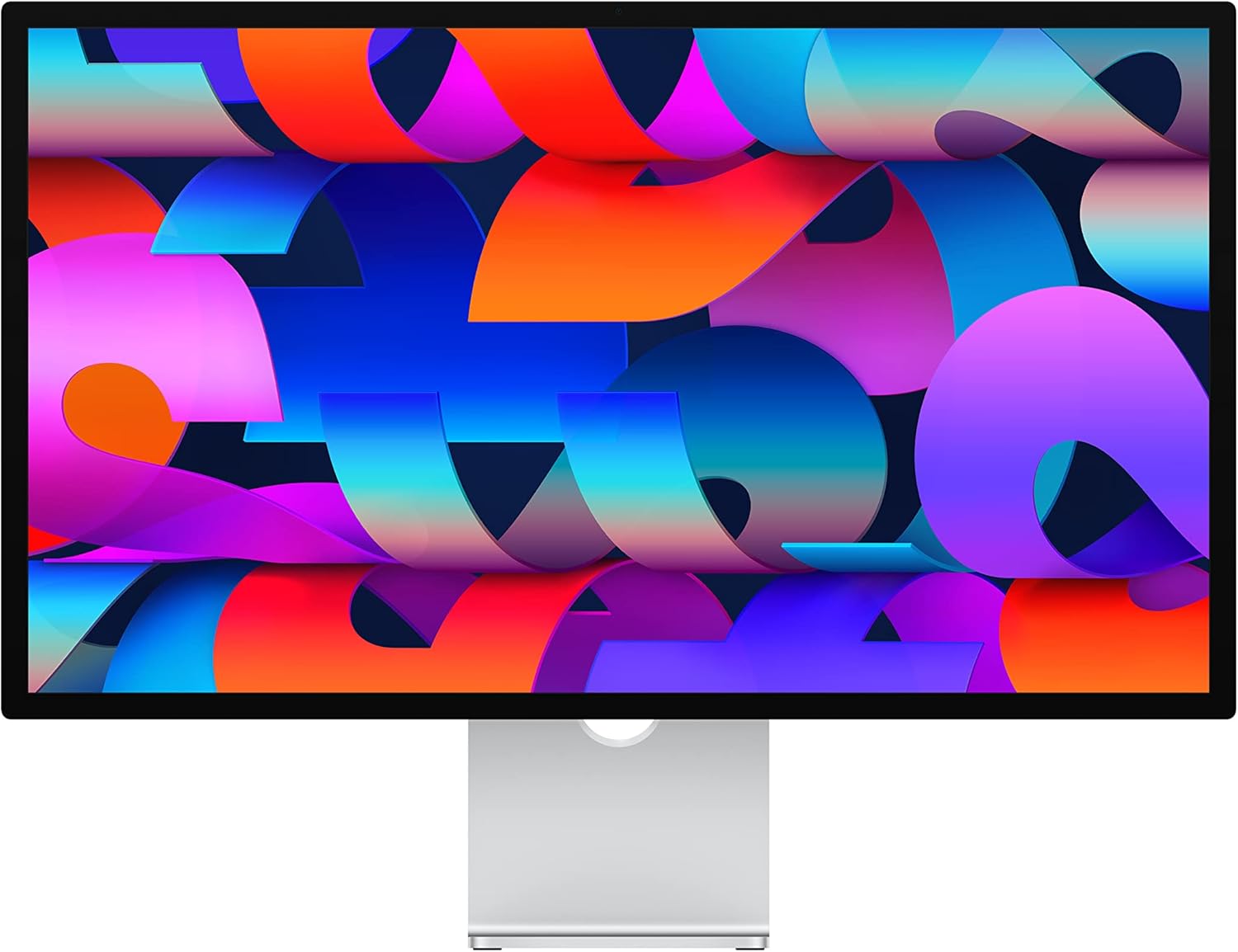
Apple Studio Display
Screen Size: 27 inches Resolution: 5K Retina (5120 x 2880) Panel Tech: IPS Colour Accuracy: P3 wide colour gamut Refresh Rate: 60Hz Response Time: 8ms Inputs: Thunderbolt, USB-C
View at AmazonBest Overall Monitor for Graphic Designers

BenQ PD3225U
Screen Size: 32 inches Resolution: 4K UHD (3840 x 2160) Panel Tech: IPS Colour Accuracy: 95% DCI-P3, 100% sRGB Refresh Rate: 60Hz Response Time: 5ms Inputs: USB-C, HDMI, DisplayPort
View at AmazonBest Budget Monitor

Xiaomi G27Qi
Screen Size: 27 inches Resolution: QHD (2560 x 1440) Panel Tech: IPS Colour Accuracy: 99% sRGB Refresh Rate: 165Hz Response Time: 4ms Inputs: HDMI, DisplayPort
View at AmazonBenQ PD3225U (Best Monitor for Engineers and Architects Overall)
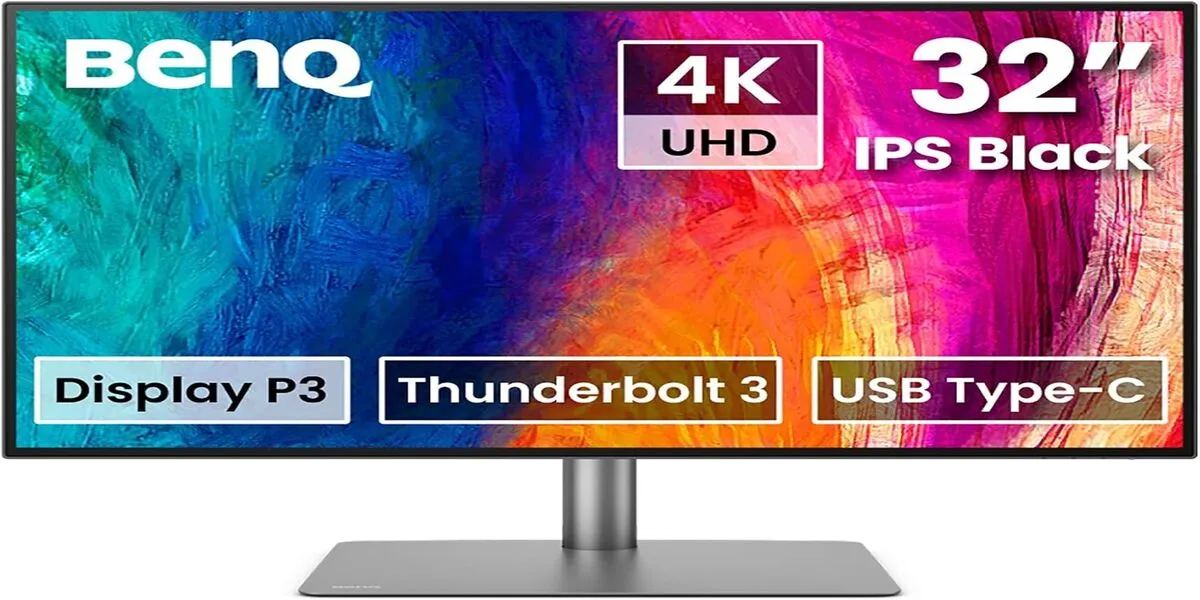
Specs: Screen Size: 32 inches Resolution: 4K UHD (3840 x 2160) Panel Tech: IPS Colour Accuracy: 95% DCI-P3, 100% sRGB Refresh Rate: 60Hz Response Time: 5ms Inputs: USB-C, HDMI, DisplayPort.
The BenQ PD3225U is the ultimate workhorse for Engineers and Architects. With its 32-inch 4K UHD resolution and HDR10 support, it delivers stunning detail and vivid colours.
Covering 95% of DCI-P3 and 100% of sRGB, it’s a reliable option for tasks that require precise colour accuracy, such as branding or photo editing. The monitor comes factory-calibrated, so you’re ready to dive into colour-critical work right out of the box.
I love the practical design of the BenQ PD3225U, especially its adjustable stand and the Hotkey Puck, which make switching between colour modes easier.
Its USB-C connectivity with 65W power delivery is a lifesaver for a clutter-free desk, making it a must-have for professionals seeking quality and convenience.
Pros:
- Superb colour accuracy and factory calibration
- Ergonomic design with versatile connectivity options
- Built-in HDR10 support
Cons:
- Premium price
- Limited refresh rate
Xiaomi G27Qi (Best Budget Monitor for Engineers and Architects)

Specs: Screen Size: 27 inches Resolution: QHD (2560 x 1440) Panel Tech: IPS Colour Accuracy: 99% sRGB Refresh Rate: 165Hz Response Time: 4ms Inputs: HDMI, DisplayPort.
For those starting their design journey or working on a budget, the Xiaomi G27Qi is a fantastic option. This 27-inch QHD display combines sharp visuals with a 99% sRGB colour gamut, making it ideal for web and digital design projects. The 165Hz refresh rate is a nice bonus, offering smooth performance for multitasking or light motion work.
Its minimalist design and slim bezels make it an attractive addition to any workspace. While it lacks the advanced colour accuracy and HDR support of high-end models, it’s perfect for budding designers focusing on social media graphics or light print work.
Pros:
- Budget-friendly price
- High refresh rate for smooth performance
- Sleek, space-saving design
Cons:
- Limited colour accuracy for professional-grade work
- No HDR support
Apple Studio Display (Best Apple Monitor for Engineers and Architects)

Specs: Screen Size: 27 inches Resolution: 5K Retina (5120 x 2880) Panel Tech: IPS Colour Accuracy: P3 wide colour gamut Refresh Rate: 60Hz Response Time: 8ms Inputs: Thunderbolt, USB-C.
Apple users, rejoice—the Apple Studio Display is tailored for your needs. Its 27-inch 5K Retina display boasts incredible sharpness and lifelike colours, covering the P3 wide colour gamut and True Tone technology for adaptive colour temperature, offering you 1 billion colours. This monitor is a no-brainer for designers who prioritise detail, especially in macOS environments.
What sets this monitor apart is its seamless macOS integration, which offers unique features such as Centre Stage and native colour calibration.
While its price might make you think twice, the performance and build quality make it an excellent investment for professionals focused on video editing, 3D design, or animation.
Pros:
- Stunning 5K resolution with precise colours
- Seamless integration with macOS
- Premium build quality
Cons:
- Expensive compared to similar monitors
- Limited compatibility outside of macOS
Asus ProArt OLED PA32DC (Best High-End monitor for Engineers and Architects)

Specs: Screen Size: 32 inches Resolution: 4K UHD (3840 x 2160) Panel Tech: OLED Colour Accuracy: 99% DCI-P3, 99% AdobeRGB Refresh Rate: 60Hz Response Time: 0.1ms Inputs: HDMI, DisplayPort, USB-C
The Asus ProArt OLED PA32DC is the definition of luxury for graphic designers. Its 32-inch 4K OLED panel offers deep blacks and an unparalleled 99% DCI-P3 and AdobeRGB colour coverage, making it a dream for colour-critical tasks like photo retouching, high-end branding, and video colour grading.
With HDR support and a built-in colourimeter for calibration, you can trust this monitor to deliver impeccable results every time.
This monitor isn’t just about performance—it’s also built for professionals who demand precision and versatility.
Its robust build, multiple colour modes, and wide input options make it ideal for designers juggling between projects. If you’re ready to invest in the best, this monitor is worth every penny.
Pros:
- Exceptional colour accuracy with OLED brilliance
- Built-in color calibration tools
- Perfect for high-end, professional projects
Cons:
- Extremely expensive
- OLED burn-in risk with static images
SAMSUNG 32″ Odyssey Neo G8 4K (Best Gaming For Engineers and Architects)

Specs: Screen Size: 32 inches Resolution: 4K UHD (3840 x 2160) Panel Tech: Quantum Mini LED Colour Accuracy: 95% DCI-P3 Refresh Rate: 240Hz Response Time: 1ms Inputs: HDMI, DisplayPort
If you’re a graphic designer who also enjoys gaming, the Samsung Odyssey Neo G8 offers the best of both worlds.
With a 32-inch 4K curved screen, a 240Hz refresh rate, and a 1ms response time, it’s perfect for fast-paced games while still providing excellent performance for design work.
The Quantum Mini LED technology ensures stunning contrast and vibrant colours, with HDR2000 for an ultra-realistic display.
Its unique combination of speed and colour accuracy makes it ideal for motion graphic designers or anyone working on video content.
While it might lean towards gamers, this monitor is also well-suited for those who need a responsive and vibrant screen for multitasking.
Pros:
- Exceptional refresh rate and response time
- Stunning HDR performance
- Great for motion and video-based design
Cons:
- A curved screen might not suit everyone
- Expensive for a dual-purpose monitor
Dell UltraSharp U4021QW (Best Wide-Screen Monitor for Engineers and Architects)

Specs: Screen Size: 40 inches Resolution: WUHD (5120 x 2160) Panel Tech: IPS Colour Accuracy: 100% sRGB, 98% DCI-P3 Refresh Rate: 60Hz Response Time: 5ms Inputs: Thunderbolt 3, HDMI, DisplayPort
The Dell UltraSharp U4021QW is a 40-inch ultra-wide monitor built for multitasking and productivity. Its WUHD resolution (5120 x 2160) provides massive screen real estate, making it perfect for designers who need multiple applications or palettes open simultaneously. The 100% sRGB and 98% DCI-P3 coverage ensure that colours remain accurate across all projects.
This monitor is a game-changer for UI/UX designers and video editors who value a panoramic view of their workspace.
With Thunderbolt 3 connectivity and split-screen features, it’s a productivity powerhouse that’s as practical as it is visually stunning.
Pros:
- Massive screen space for multitasking
- High color accuracy
- Versatile connectivity options
Cons:
- Expensive
- Large size may not fit all workspaces
Viewsonic VP3268a-4K (Great Monitor For Print)
Specs: Screen Size: 32 inches Resolution: 4K UHD (3840 x 2160) Panel Tech: IPS Colour Accuracy: 99% AdobeRGB, 100% sRGB Refresh Rate: 60Hz Response Time: 5ms Inputs: USB-C, HDMI, DisplayPort
For designers focused on print work, the ViewSonic VP3268a-4K is an excellent choice. With 99% AdobeRGB and 100% sRGB coverage, this 32-inch monitor ensures that colours on screen translate perfectly to print.
It’s 4K UHD resolution delivers crisp, detailed visuals, while factory calibration guarantees out-of-the-box colour accuracy.
What makes this monitor stand out is its focus on professional workflows. Features like hardware calibration support and multiple presets for different design standards make it a versatile option for anyone working in print or digital.
Pros:
- Outstanding colour accuracy for print projects
- Factory calibrated for ease of use
- Affordable for professional-grade specs
Cons:
- Limited refresh rate
- Slightly bulky design
Dell 24 Touch USB-C Hub P2424HT (Best touchscreen monitor for Engineers and Architects)
Specs: Screen Size: 24 inches Resolution: Full HD (1920 x 1080) Panel Tech: IPS Colour Accuracy: 99% sRGB Refresh Rate: 60Hz Response Time: 6ms Inputs: USB-C, HDMI, DisplayPort
Dell 24 Touch USB-C Hub P2424HT: Best Touchscreen Monitor for Graphic Design
The Dell 24 Touch USB-C Hub P2424HT offers a unique edge for designers who enjoy a hands-on approach. This 24-inch Full HD touchscreen monitor features 10-point touch, enabling intuitive gestures, zooming, and direct on-screen sketching.
With an IPS panel and 99% sRGB colour accuracy, it’s great for those who work on interactive or detailed designs, such as UI/UX projects or prototyping.
What sets this monitor apart is its ergonomic design. The fully adjustable stand supports a tilt-forward feature, making it easy to work directly on the screen.
Plus, the USB-C hub functionality streamlines your workspace by reducing cable clutter. While it’s not built for high-end photo editing or 4K resolution, it’s a fantastic choice for designers who value flexibility and interactivity.
Pros:
- Touchscreen capability for interactive work
- Ergonomic design with adjustable tilt
- USB-C hub reduces desk clutter
Cons:
- Limited resolution compared to 4K monitors
- A smaller screen size may not suit all workflows
Philips 288E2E (Great Budget-Friendly Monitor for Beginners)
Display size: 28 inches Resolution: 3840 x 2160 (4K UHD) Panel Type: IPS Aspect Ratio: 16:9 Brightness: 300 cd/m² Contrast Ratio: 1000:1 (Typical) Color Gamut: NTSC 102%, sRGB 119%, Adobe RGB 89% Color Depth: 10-bit Response Time: 4ms (Gray to Gray) Viewing Angle: 178° (H) / 178° (V) Ports: 1 x DisplayPort 1.2, 2 x HDMI 2.0, 1 x audio out (3.5mm)
The Philips 288E2A is perfect for beginner graphic designers looking for an affordable yet reliable monitor. Its 28-inch 4K UHD resolution delivers crisp visuals, while 120% sRGB colour coverage ensures accurate, vibrant colours for digital design.
Despite its budget-friendly price, the monitor delivers impressive quality, making it an excellent entry-level choice.
This monitor is ideal for tasks like social media design, basic branding, or light photo editing. While it doesn’t offer professional-grade colour calibration or HDR support, it’s a great starting point for designers on a budget who want a taste of 4K resolution without compromising too much on quality.
Pros:
- Affordable entry into 4K design
- Excellent colour coverage for its price
- Slim and lightweight design
Cons:
- No HDR or professional-grade calibration
- Limited advanced features for experienced designers
How to choose the best monitor for Engineers and Architects
Before jumping into the best monitors for graphic design, let’s see how to choose the best monitor for our graphic design work. We need to consider the resolution and colour accuracy. screen size, ergonomics, and connections.
Resolution
For an engineer or architect it is vital to have a monitor with a high resolution as we work with images, and at the moment of designing we need to pay attention to every detail of our composition, so regarding resolution, when the monitor has a higher one it will be better, but don’t forget that when the monitor resolution is higher the price will increase too.
At the moment, the higher-resolution monitors are 4K with 3,840 by 2,160 pixels, and there are already some 5K monitors with 5,120 by 2,880 pixels, which are the best option for designers.
It’s also a good option if you want to go cheaper and look for a 2,560-by-1,440 monitor, also known as 1440p.
Color accuracy
Colour accuracy is a key factor when choosing a monitor for graphic design. Many projects are created for later printing, so the colours we see on screen must be as accurate as possible to reality to ensure the same effect in print.
Some monitors have PS panel technology that provides wide viewing angles on your monitor, giving you solid colour fidelity and luminosity, making it easier to highlight details on the screen. For a good colour fidelity monitor you need to check the look-up table (LUT) and choose a monitor between 10-,13- or 14- to make an accurate color calibration.
Screen size
If we are looking for a good monitor, it’s important to take care of the screen size, as when working with images with high details and high resolutions, it’s key to have a good screen size, but it’s also necessary to know the limitations of our workspace to choose a monitor with the correct size.
When selecting a screen size, consider a UHD or WQHD monitor between 27 and 32 inches. If your workspace allows for two screens, use two 29-inch ultra-wide WQHD monitors.
Ergonomics
Engineers and Architects will spend many hours in front of a monitor, which is why it’s also important to consider ergonomics when discussing the best screen for designers.
That is why it might be a good option to look for a monitor with an adjustable height and the ability to move it into different positions for maximum eye comfort.
Connections
Connections are an important feature that a good monitor should have for Engineers and Architects, that is why you should look for a monitor with the best connectivity possible it should have HDMI, a dual-link DVI port, and DisplayPort 1.2, and if you choose to have a 4K monitor check if your graphic card supports Multi-Stream Transfer and DisplayPort 1.2 to achieve the maximum capacity of your 4K monitor.
Price
Price is also an important factor to consider when buying a monitor for Engineers and Architects. It will depend a lot on our choice: high-end 4K monitors with large screens can cost $1000 to $3000, but there are also great budget-friendly monitors with great features for Engineers and Architects for less than $1000.
Wrapping Up: Engineers and Architects
To choose a good monitor for Engineers and architects, look for one with a wide colour gamut that covers most of Adobe RGB and DCI-P3 to achieve good colour accuracy.
Also, despite the price, the best option is to choose a 4K monitor to handle every detail of your design projects. This list includes some great 4K monitors at really budget-friendly prices.
Investing in a good monitor is crucial for illustrators, artists, engineers, and Architects in the long run, and we hope this list has been useful and helped you choose the best monitor for your daily work.
What is your best monitor for your daily engineering activities? Use the comment sheet to share your best monitor.
Thank You.

